

Finally, the integration of AI in the workplace requires ongoing commitment and strategic vision to succeed.
As AI in the workplace technology advances, the possibilities for enhancing employee experience expand.
Moreover, AI in the workplace can help mitigate risks by providing predictive analytics and insights.
AI in the workplace also allows for better scalability, accommodating growth without compromising quality.
Investing in AI in the workplace is not just about technology; it’s about fostering a culture of innovation.
As more businesses embrace AI in the workplace, the potential for innovation grows exponentially.
There is no doubt that AI in the workplace will continue to evolve, bringing new opportunities for improvement.
Ultimately, AI in the workplace shapes a more dynamic and responsive organization.
Using AI in the workplace enhances customer interactions and helps tailor services to specific needs.
AI in the workplace can also provide valuable insights through data analysis, aiding decision-making processes.
To maximize the benefits of AI in the workplace, continuous training and adaptation are essential.
Embracing AI in the workplace can lead to significant cost savings and improved service delivery.
AI in the workplace creates an environment where creativity thrives, enabling staff to focus on strategic tasks.
With AI in the workplace, teams can collaborate more effectively, leading to greater efficiency and morale.
Integrating AI in the workplace not only enhances productivity but also allows for innovative solutions to everyday problems.
By Jessie Mouton, ABS Commercial Cleaning
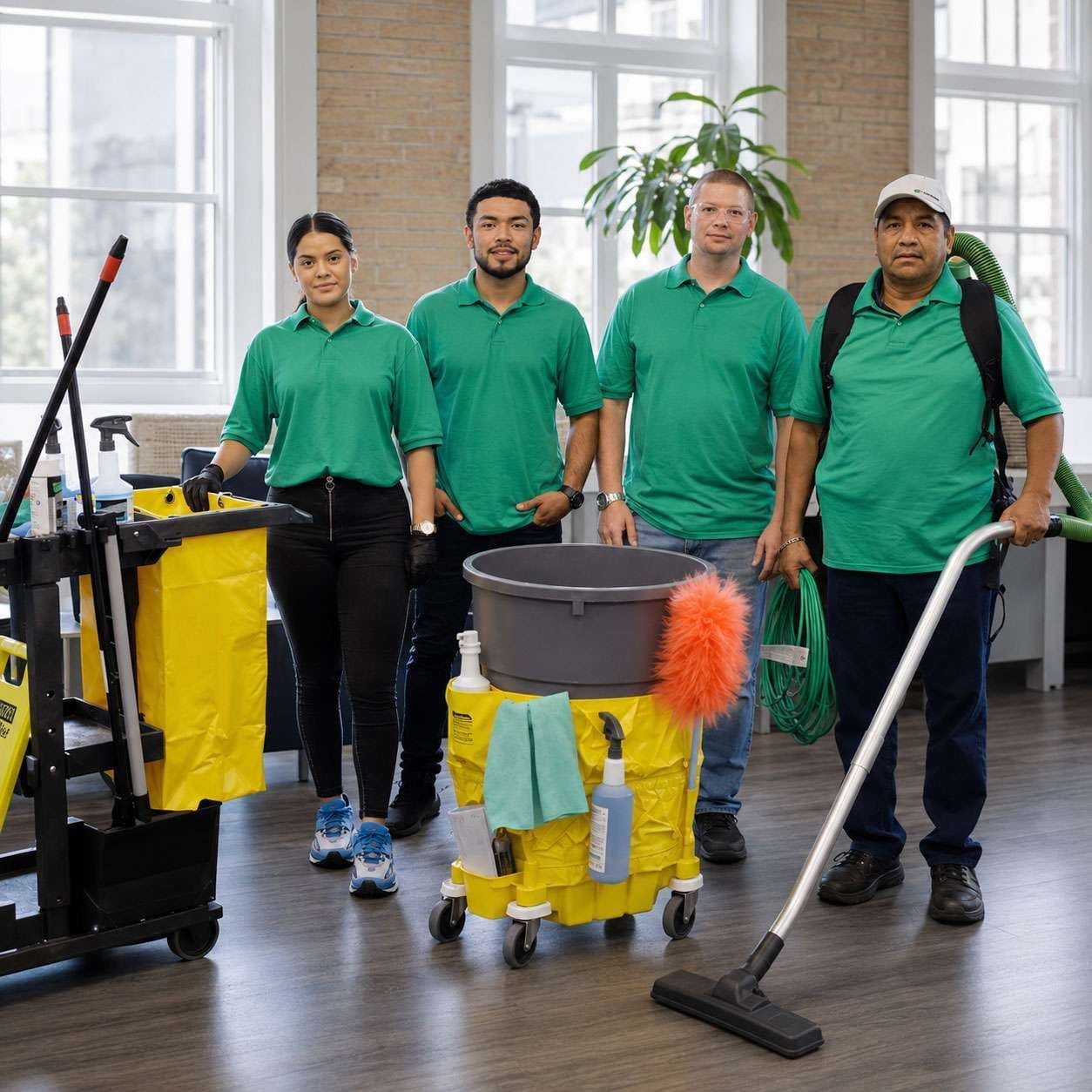
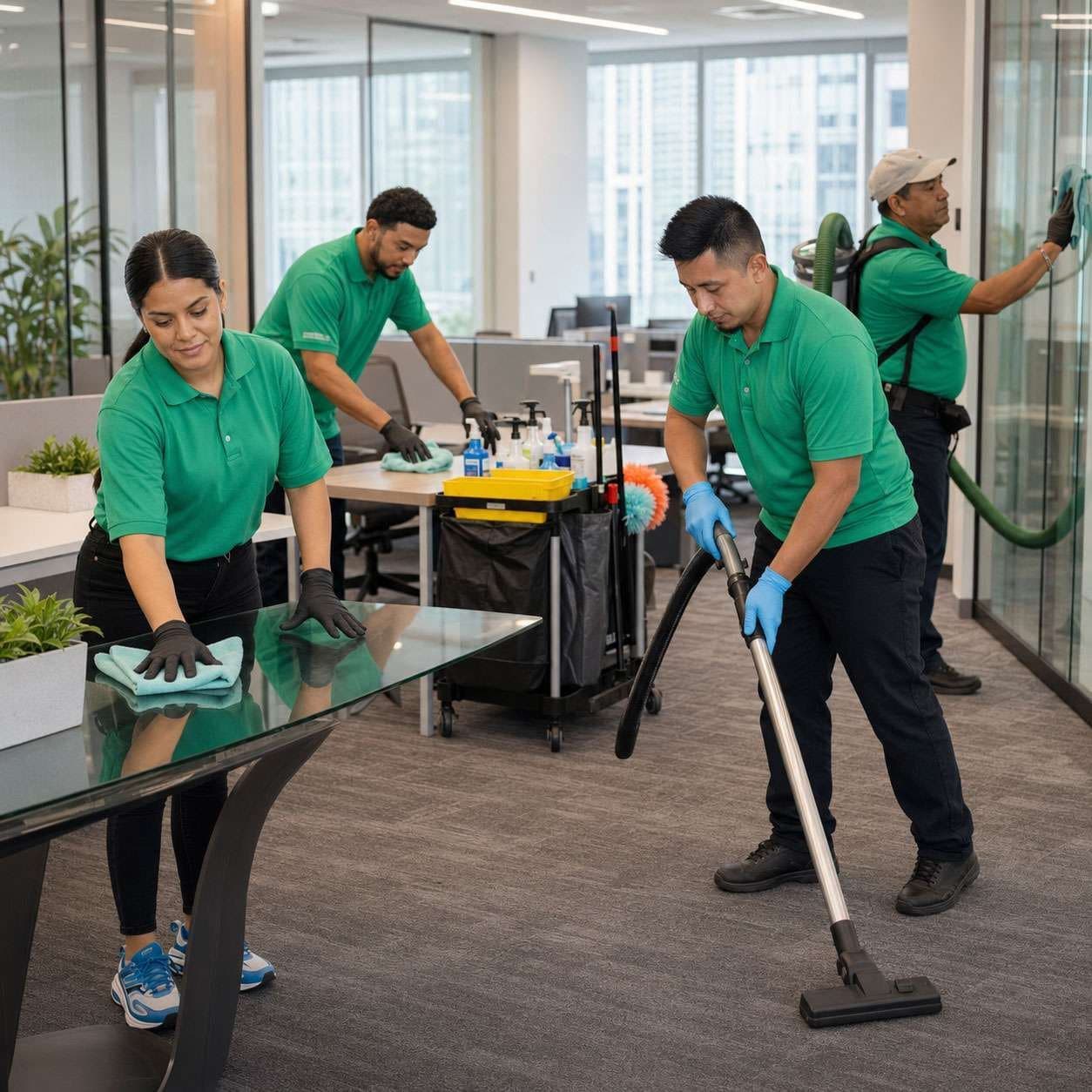
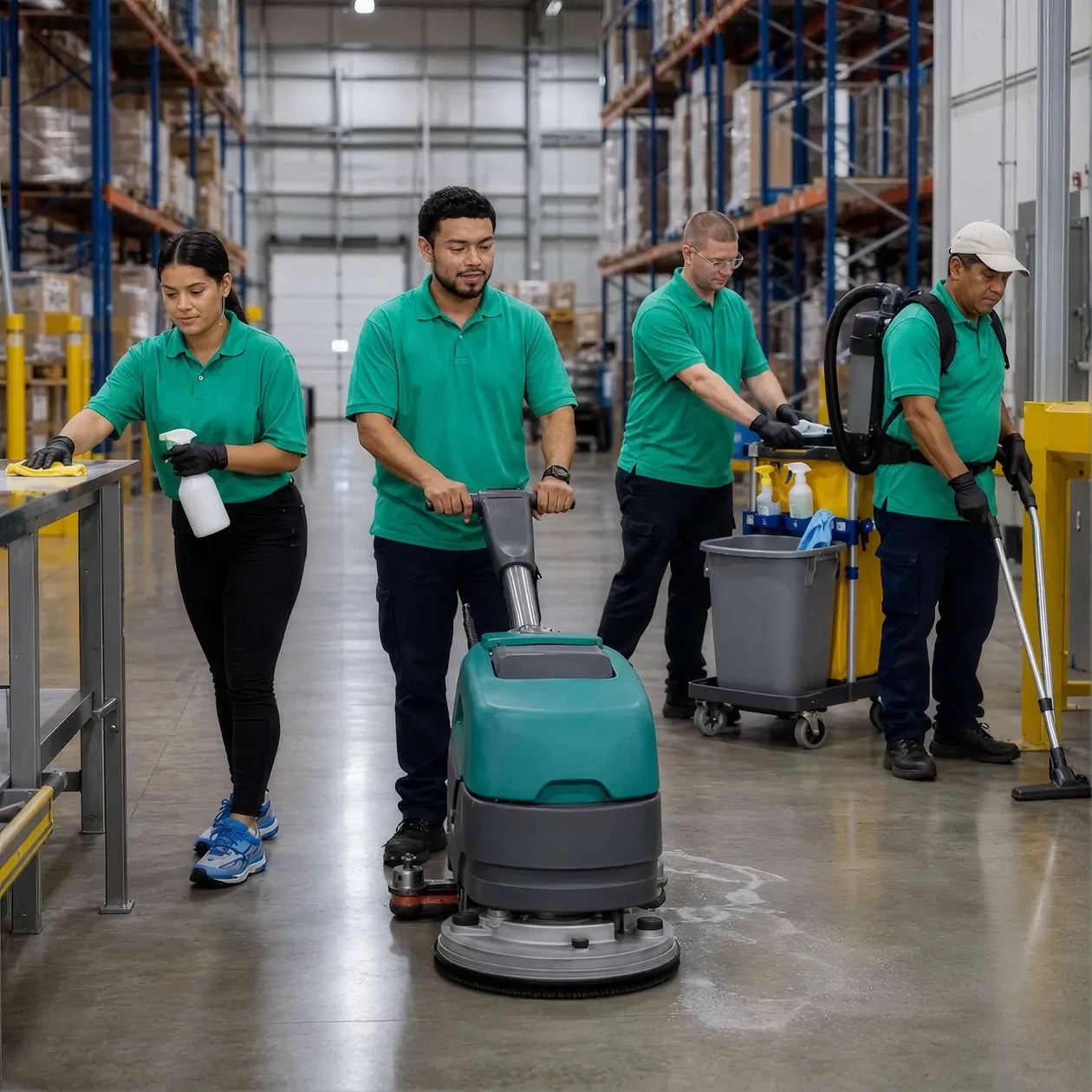
AI in the workplace sounds abstract until you watch a cleaning crew price a building in half the time. At ABS Commercial Cleaning, my team uses Claude every week to do real work: price jobs, rebuild our website, automate busywork and make our communication clearer. We run a small company across Houston, Austin and San Antonio. Eleven people, a subcontractor model and a coach named El who hosts a weekly Claude office hour. Here is what we built and what you learn when you stop reading about AI in the workplace and start using AI in the workplace. If you’ve wondered how is AI used in the workplace or how can AI help in the workplace for a service company, this is our playbook—ai for small business applied to real jobs. In short, what are the benefits of AI in the workplace? Faster pricing, fewer errors, clearer outreach and time back for crews.
Start with a problem, not a tool
Every useful AI in the workplace project at ABS started with a problem, not a tool. Ours was pricing. Underprice a contract and you lose margin all year. Overprice and you lose the bid.
So I built a labor calculator in Excel with Claude. You enter the building type, the floor mix, the number of trash cans, sinks and urinals, plus the hours of operation. Claude helped weight those factors into cleaning density tiers and an hours-per-clean estimate. The old spreadsheets guessed. This one calculates. Now Alex and Hector test the tool against real jobs and tune the numbers. Pricing stopped being a debate.
The lesson holds for any business. Name the expensive, recurring decision first. Build the tool second. This is how to use AI in the workplace—name the costly decision first, then apply the tool—which is also how to use AI responsibly in the workplace.
AI that includes everyone
My mission is democratizing AI in the workplace, so the test is simple. Does the tool help the whole team, not only the technical people?
One answer came from sales. Our sales lead works leads across Texas. Many of our prospects speak Spanish first. He uses AI in the workplace translation to break the language barrier on calls and emails. He reaches buyers he would have lost. This is inclusion work, done quietly, every day.
The lesson for you: AI in the workplace earns its place when your least technical teammate gets more done, not less. So should AI be used in the workplace? Yes—when it removes barriers and helps more teammates contribute.

Turn meetings into action
We record our meetings with an AI in the workplace notetaker. Every huddle, every client call. The notes pile up fast. The skill is turning talk into action.
I feed meeting notes to Claude and ask for a prioritized scope of work. For our website rebuild, Claude turned a messy discussion into a clean task list for our developer, who works remote. Claude also flagged SEO fixes, like moving customer reviews higher on the homepage to lift trust and engagement. Notes became a plan in minutes. If you’re asking how does AI increase productivity in the workplace, here’s one answer: it converts talk into prioritized tasks that ship.
El pushed us toward Answer Engine Optimization, writing pages to answer the questions AI in the workplace search engines read. Same direction as our keyword work, and a reason buyers find us when they ask an AI in the workplace tool who to hire.
Automate the boring parts
Repetitive web work drains hours. The Claude Chrome extension records a sequence of clicks, then replays the steps as a reusable shortcut. El showed us how a recorded Canva workflow duplicated a project and updated the dates automatically. The extension writes out each step and asks for approval before running.
We see uses everywhere: onboarding new clients, documenting how to use an app, building quick tutorials. Javier caught the catch. The extension sometimes misclicks. So you calibrate, you supervise and you approve each run. A smart assistant, not a free pass. It’s a simple pattern for how to use AI in the workplace without ceding control.
Make the invisible visible
Cleaning is full of steps people forget. Claude now makes clean, professional images fast, including sharp text and scalable vector files. We use them for brochures, SOPs and client guides.
Javier wants visual maps of what happens after a contract signs: billing, invoicing, next steps. Subcontractors get a picture, not a wall of text, so they follow the process. Clear visuals move faster than paragraphs, with clients and with crews. It shows another practical way AI in the workplace fits into daily operations and improves consistency.
Keep control
The more AI in the workplace does, the more control matters. We looked at AI agents, tools acting on their own across the web. The promise is real. So is the risk. An agent left alone might click the wrong button or buy the wrong thing.
Our rule holds across every tool: a human approves the action. We also weighed where these tools run. A cloud machine keeps an agent running without burning electricity at the office. Chip shortages make the cloud route smart right now. Control with guardrails beats speed without them.
How to start this week
You do not need a big budget or a tech team. Start with one painful, repeating task, like pricing, scheduling or follow-up. Describe the problem to Claude in plain words, no jargon. Build the smallest useful version and test the result on real work this week. Keep a human in the loop and review every output before you trust the result. Then teach one teammate. Adoption beats perfection. If you’re learning how to use AI in the workplace, this is the path.
The bottom line
AI in the workplace replaced no one at ABS. A small team now punches above its size. Our sales lead reaches more buyers. Our prices hold. Our website speaks to AI in the workplace search. Our crews follow clear visuals. Will AI in the workplace replace humans in the workplace? Not here—AI augments people and raises the floor for quality.
None of this needed a computer science degree. The work needed a real problem and a willingness to try. This is the heart of democratizing AI in the workplace. The tools are here. The question is whether you and your team pick them up.
FAQs
Do you need to be technical to use AI in the workplace? No. Our most useful wins came from non-technical staff. You describe a real problem to Claude in plain language and build from there.
Which tasks should a small business automate first? Pick the repetitive, high-cost ones. Pricing, meeting notes, onboarding and follow-up are strong starting points.
Is it safe to let AI act on its own? Keep a human approval step on any action with real consequences. Treat agents as assistants, not decision-makers.
Should AI in the workplace be used in the workplace? Yes—when it expands access, protects data and keeps humans approving important actions.
How does AI in the workplace increase productivity in the workplace? It turns meetings into task lists, automates routine steps and speeds up estimates so teams ship work faster.
What are the benefits of AI in the workplace? Faster responses, fewer errors, clearer communication, better documentation and steadier margins.
How to use AI in the workplace responsibly in the workplace? Start with a well-defined problem, set guardrails, review outputs, protect sensitive data and iterate with human oversight.
Will AI in the workplace replace humans in the workplace? In our experience, no. It augments people and helps small teams do more with less.
Q&A
Question: How does ABS’s AI in the workplace-powered pricing calculator work, and why did it end the pricing debate?
Short answer: We built an Excel model with Claude that turns building details into an hours-per-clean estimate. Inputs include building type, floor mix, number of trash cans, sinks, urinals, and hours of operation. Claude helped weight those factors into cleaning density tiers, producing a calculated estimate instead of a guess. Alex and Hector then tested it against real jobs and tuned the numbers, so pricing moved from opinion to evidence.
Question: What does “democratizing AI in the workplace” look like in day-to-day work at ABS?
Short answer: It means the tools help everyone, not just technical teammates. In sales, our sales lead uses AI in the workplace translation so Spanish-first prospects across Texas get clear emails and calls—conversations we used to lose. Our litmus test is simple: if the least technical teammate gets more done with the tool, it earns its place.
Question: How do you turn meetings into shipped work, and what changed on the website?
Short answer: We record every huddle and client call, then feed the notes to Claude to produce a prioritized scope of work. For the website rebuild, that became a clean task list for our remote developer, plus SEO fixes like moving reviews higher on the homepage to boost trust and engagement. Guided by El, we also write for Answer Engine Optimization so AI in the workplace search tools can surface us when buyers ask who to hire.
Question: How do you automate repetitive web tasks without losing control?
Short answer: We use the Claude Chrome extension to record click-by-click workflows (like duplicating a Canva project and updating dates) and replay them as shortcuts. The extension writes out each step and asks for approval before running. Because it can misclick, we calibrate, supervise, and approve every run—treating it as a smart assistant, not a set-and-forget agent.
Question: How does AI in the workplace help make processes “visible” for crews and subcontractors?
Short answer: Claude helps us create clean, professional visuals fast—sharp images and scalable vector files—for brochures, SOPs, and client guides. Javier maps post-signature steps like billing, invoicing, and next actions so subs see the process at a glance. Clear pictures beat long paragraphs, speeding understanding and improving consistency on real jobs.